
Intro
Hi i'm Sam and I have ...
Published on: 05 Aug 2024
Our website is designed to make it as easy as possible to find the information you need.
From the links and buttons at the top of our homepage to our news articles and resource library, we want to put information in your hands.
So, if you haven’t explored our website yet, here are a few ideas to get you started.
Scroll through below or hop to sections with the buttons.
Our news page is where we post updates on health conditions, seasonal advice, general guidance on getting the best health care possible, and the work of our Primary Care Network team.
The most recent posts appear in the news section on our home page, or you can explore our full news archive.
Here are some of our most recent updates.

Movember 2026: Look after yourself, look out for others November is nearly here, and that means Movember is back. You might know it for the moustaches, but there’s a much bigger message behind the campaign. Movember raises awareness of men’s health, including mental health, suicide prevention and prostate and testicular cancer. It’s also a chance…

How we’re helping protect people from flu and RSV Every autumn, we offer vaccines to help protect people who are more likely to become seriously ill from flu, RSV and other infections. This year, we’re working closely with Gosforth and Jesmond Health (GJH). We want to make it easier for people to get their vaccines.…
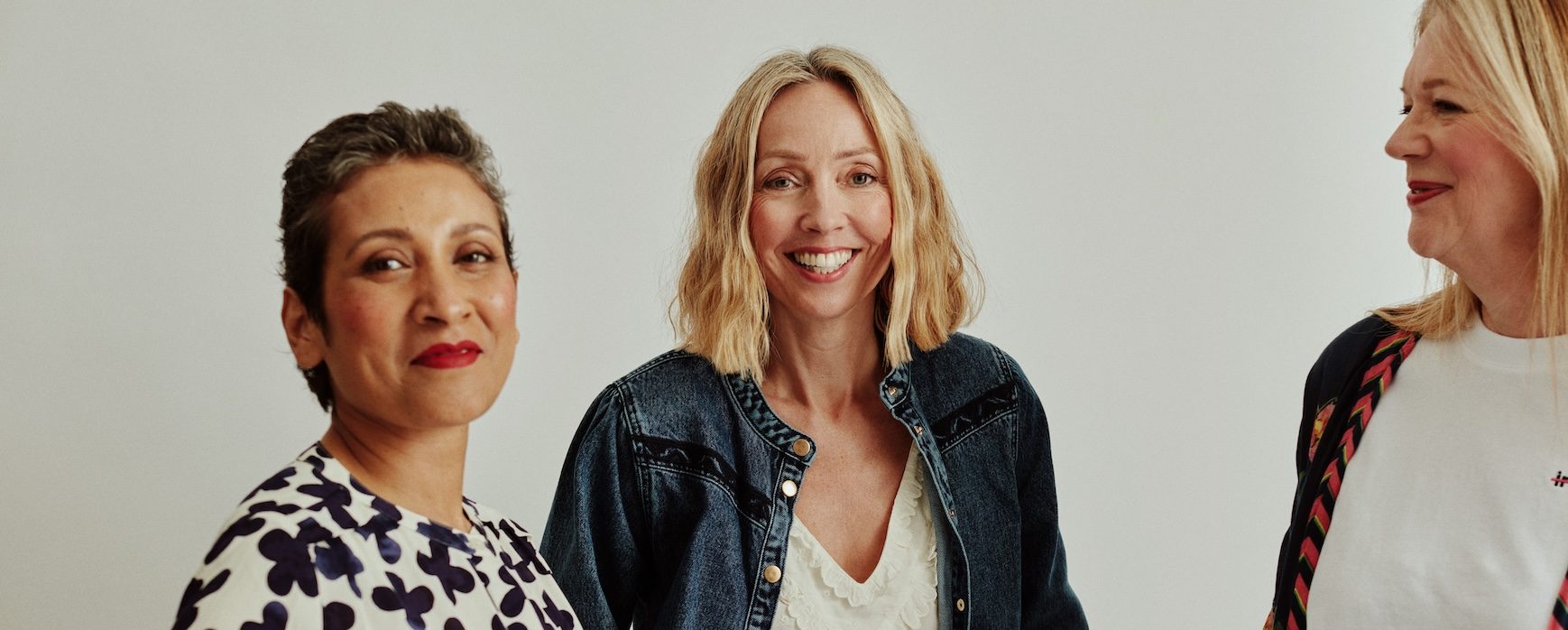
Menopause: what to expect and where to find help Menopause is a natural part of life, but knowing what to expect isn’t always easy. You might have questions about changes to your body, your mood or how you’re feeling. World Menopause Day on 18th October is a chance to talk more openly about menopause and share advice that can help. Everyone’s experience is different.…
To save you from having to scroll through all our updates to find what you’re after, there are ways to get there quicker.
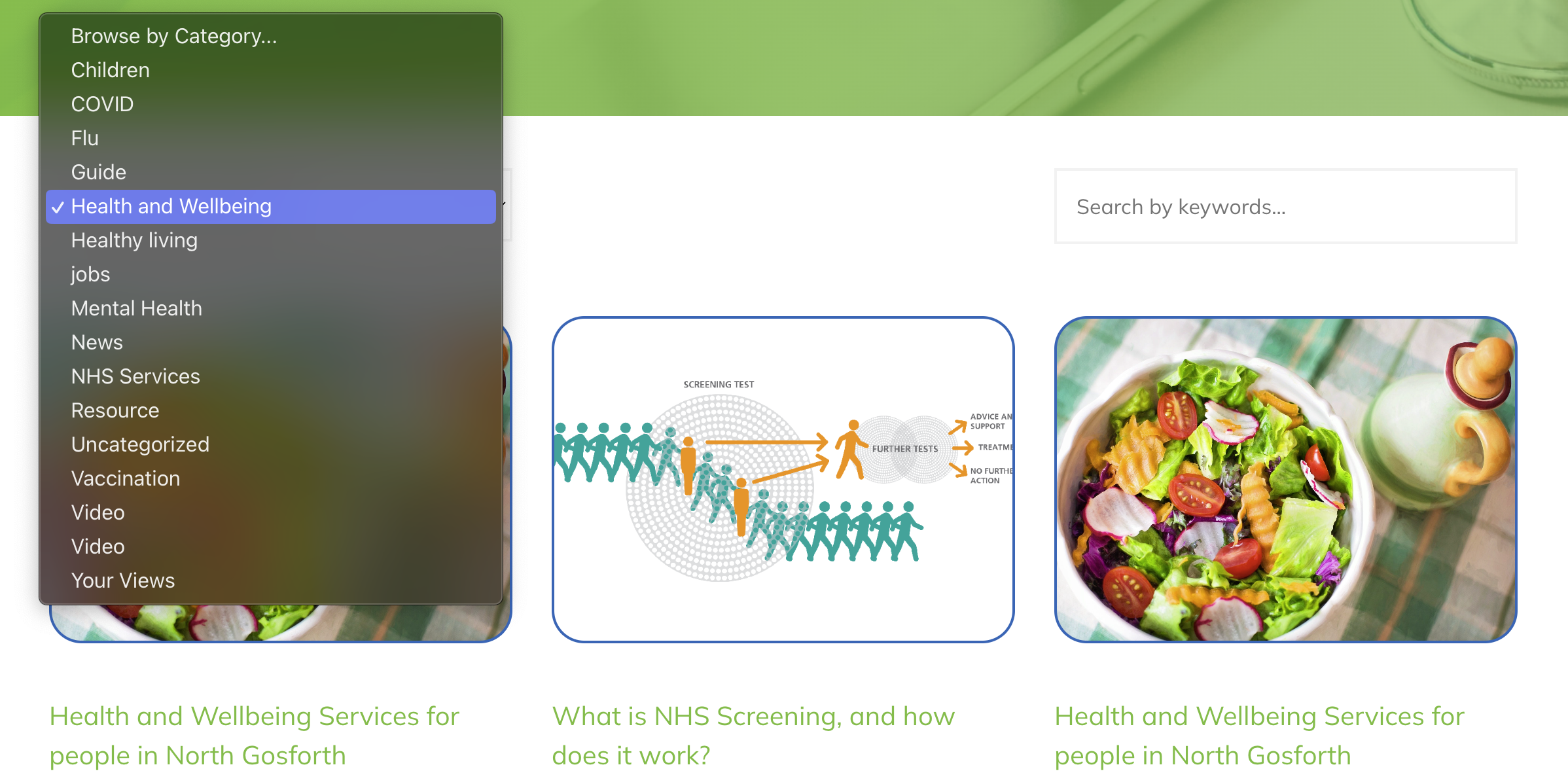
We use some simple category names to group news posts together. So, if you are looking for the latest on mental health or health and wellbeing, just pick an option from the drop-down menu to get your news.
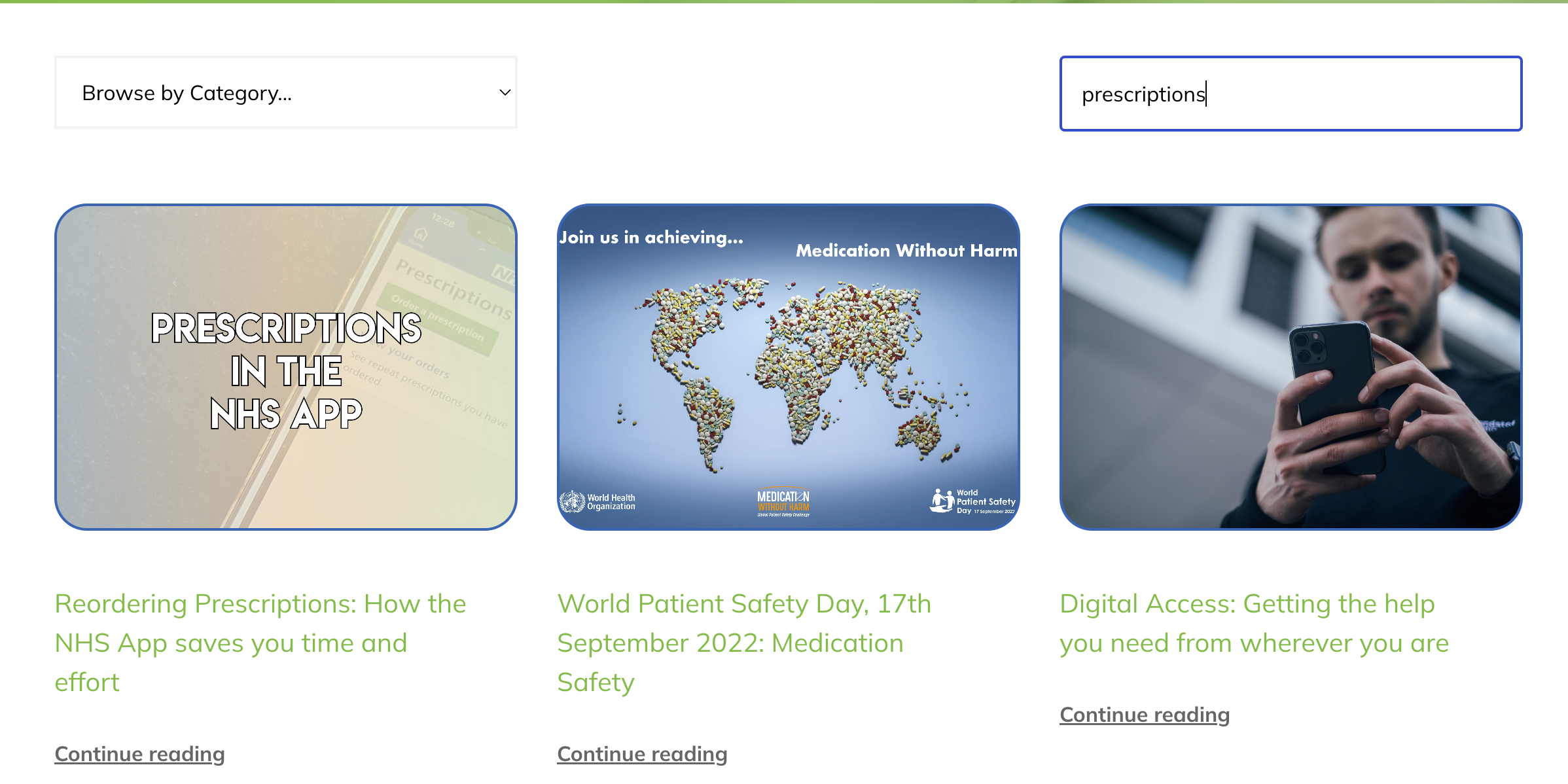
If you’re looking for something more specific, try the keyword search option. This will look through all our posts, check the headlines, section names, text and keywords we’ve added and show you the results.
At the end of each post, you might see suggestions for other articles or blogs about similar topics.
As you’d expect, our resource page is packed with useful information. But did you know there are three different ways to find what you’re looking for?
First, there are the categories. Like with the news posts, these group together pieces of information.
We’ve tried to make these categories as sensible as possible – either describing you or a particular situation. Hopefully, this makes it easy to find relevant information, even if you might not know its name.
Here’s an example: The Little Orange Book is a fantastic resource for new parents, with practical advice about common conditions up to the age of 5.
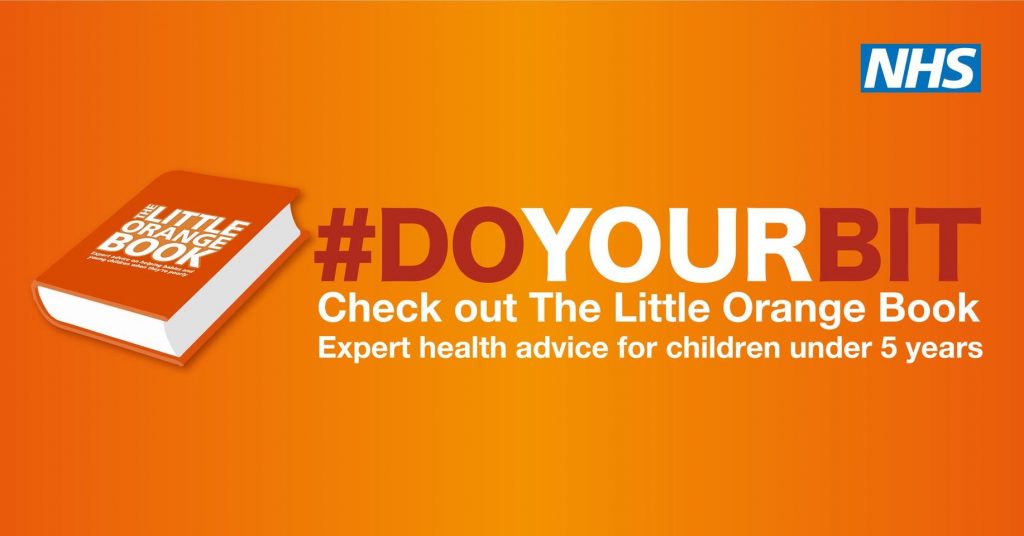
But if you didn’t know that, you wouldn’t know to search for the words ‘little orange book’.
By categorising it under children’s health and parenthood, it makes a helpful resource much easier to find.
You can see some of the resources in the parenthood and children’s health categories below.

Resources and advice for families, children and young people. Thanks to InformationNOW for compiling much of this information.
If you’re worried about how you’re treating your partner or ex-partner, Make a Change Newcastle offers free, confidential support to help you build healthier relationships and change harmful behaviour. The service also provides support for partners, families and professionals, with a focus on safety, accountability and lasting change.
Everyturn Mental Health provide free drop-in mental health support for children and young people in Newcastle and Gateshead, People aghed 13-17 can get help in person or over the phone, with no appointment needed.
Another way we’ve tried to make it easier to find what you need is to group resources by type.
So, for instance, if you are looking for some self-help, an easy read guide, our policies or video content walking you through how to use the NHS App.
These are some easy read resources from our growing library.
Lastly, of course, you can still use the keyword search option. Like the news posts, the search will look through titles, headings and content to bring you relevant results.
When we surveyed patients as part of building our new sites, a lot of people said they wanted to get to know the staff team a bit better.
The Our People page is home to staff profiles. Here you can see our practice and network teams, and find out more about their roles and how they help patients.
You can use the Job Role filter to find everyone in the same position or the Specialisms filter to see what your clinical team are experts in.
Here are some of the most recent updates on our staff pages.


Our websites aim to do what patients told us they wanted and to help our practice and network teams.
Why not take our quick survey and let us know how we’re doing?